

How to Remote Start Your Nissan Rogue
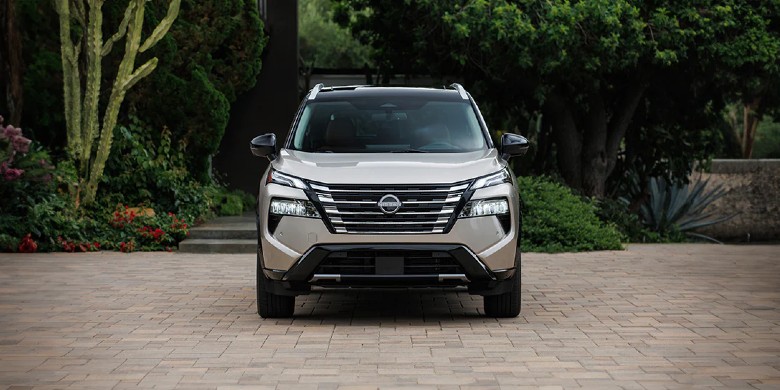
Cold mornings in Waukesha have a way of making every driver a little more grateful for remote start. If there’s one feature on the Nissan Rogue that gets used almost every single day, it’s this one — and once owners learn how to remote start the Nissan Rogue the right way, they usually wonder how they ever lived without it.
Whether it’s a key fob sitting in a coat pocket or a smartphone on the kitchen counter, Boucher Nissan Waukesha walks through exactly how it works below.
Key Takeaways
- Fast Setup: Works via Intelligent Key or NissanConnect app in under 10 seconds.
- Requirements: Vehicle must be locked, in park, and within ~200 feet for fob use.
- Smart Climate: Automatically applies last-used temperature settings.
- Runtime: Cycles run for 10 minutes; can be restarted once.
- Utility: Essential for clearing frost or cooling the cabin in Wisconsin weather.
How Do You Remote Start a Nissan Rogue with the Key Fob?
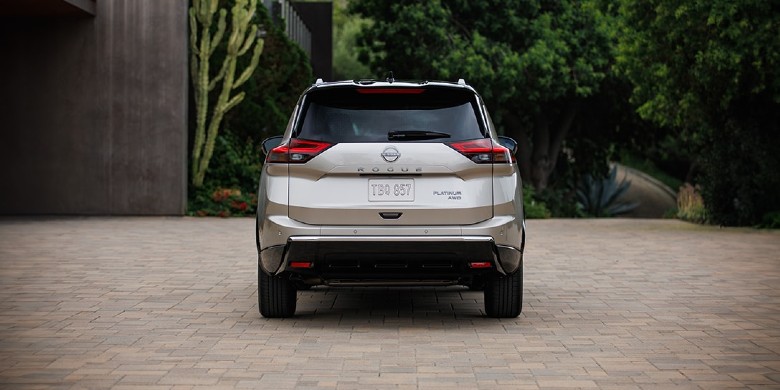
Remote starting a Rogue with the key fob takes just a few seconds once the sequence is memorized. Lock the vehicle first, then press and hold the remote start button on the fob, and the engine fires up on its own from wherever the driver happens to be standing.
This method is the one most Rogue owners reach for first, since it doesn’t require a phone or a data connection. It’s especially handy in a garage, a driveway, or a parking lot on a Waukesha morning when frost has settled on the windshield overnight. Drivers who split time between a Rogue and another Nissan often notice the process feels nearly identical across models, which makes how to start a Nissan Rogue with a key fob one of the easiest habits to build. Range matters here too — the fob typically needs to be within about 200 feet of the vehicle, and a weak battery in the fob is one of the most common reasons remote start doesn’t respond right away.
Step-by-Step: Key Fob Remote Start
- Make sure the Rogue is locked and no doors, the hood, or the trunk are open.
- Press the lock button on the Intelligent Key fob once.
- Within about 5 seconds, press and hold the remote start button (the circular arrow icon) for 2–3 seconds.
- Watch for the hazard lights to flash — that’s confirmation the engine is starting.
- Give it a moment, and the Rogue will be running and adjusting the cabin temperature automatically.
How Do You Use Nissan Auto Start Through the NissanConnect App?
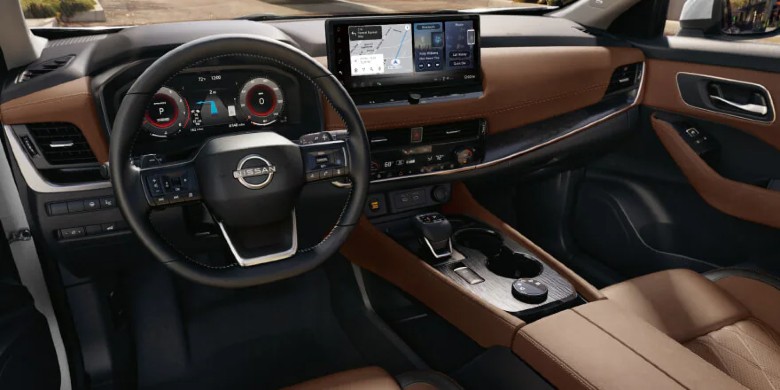
The NissanConnect Services app turns a smartphone into a second key fob, letting drivers start the Rogue from inside the house, the office, or anywhere with a signal. It’s the most convenient way to warm up or cool down the cabin before ever stepping outside.
Setting it up takes a few minutes the first time, but after that it’s just a couple of taps. This kind of Nissan Rogue auto start access is one of the features Rogue shoppers ask about most, since it fits naturally into a daily routine — starting the vehicle while finishing coffee, or checking that it’s running before heading out to the driveway. It does rely on an active NissanConnect subscription and a decent cell signal, so drivers renewing their plan should double-check it hasn’t lapsed if the app suddenly stops responding.
Comparing the Two Remote Start Methods
| Method | Range | Best For | Requires |
|---|---|---|---|
| Key Fob | ~200 feet | Quick starts from the driveway or parking lot | Charged fob battery, vehicle locked |
| NissanConnect App | Cell signal dependent | Starting the Rogue from inside a building | Active subscription, smartphone data |
This table helps Waukesha drivers see at a glance which remote start method fits their routine best.
Why Do Nissan Rogue Drivers Love Remote Start?
Drivers love remote start because it removes the worst part of getting into a vehicle — the few minutes of shivering or sweating before the climate control catches up. It’s a small feature that makes a real difference twice a day, every day.
Once the cabin is already warm and the windows are clear of frost, backing out of a Waukesha driveway on a January morning feels a lot less like a chore. The same goes for July, when a Rogue that’s been sitting in the sun gets a head start on cooling down before anyone opens the door. Beyond comfort, there’s a safety angle too — a defrosted windshield and de-iced mirrors mean better visibility from the very first mile. It’s the kind of feature that quietly becomes non-negotiable once a driver has lived with it for a season.
Getting the Most Out of Remote Start
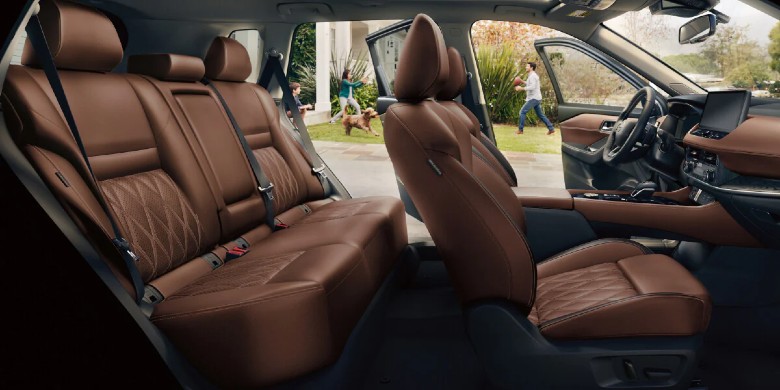
Remote Start isn’t complicated once the steps click, and most Rogue owners have it down after a try or two. Between the key fob and the NissanConnect app, there’s a method that fits almost any routine, and Boucher Nissan Waukesha is always happy to walk through the setup in person for anyone who wants a hands-on refresher on their Rogue’s auto start features.
If remote start isn’t responding the way it should, or a key fob needs a fresh battery or reprogramming, scheduling a quick check at Boucher Nissan Waukesha is an easy next step. And for anyone still shopping, our service team and sales team both know exactly which Rogue trims come equipped with remote start standard.
FAQ
Does every Nissan Rogue trim come with remote start?
Not always — availability depends on the model year and trim level. Boucher Nissan Waukesha can confirm which trims include it standard and which offer it as an option.
Why isn’t my Nissan Rogue remote start working?
The most common culprits are a low key fob battery, the vehicle not being locked first, or being out of range. An expired NissanConnect subscription can also stop app-based remote start from working.
How long does the engine stay running after remote start?
A Nissan Rogue will typically run for about 10 minutes per remote start cycle, and it can usually be restarted once more before someone gets in and drives.
Can remote start be added to a Rogue that didn’t come with it?
In many cases, yes. A genuine Nissan-approved remote start accessory can often be installed by a factory-trained technician, depending on the model year.
Does remote start turn on the heat or air conditioning automatically?
Yes. The Rogue uses its last climate control settings, so it applies heat in the winter and air conditioning in the summer without any extra input.
Continue Reading About Your Nissan Tech:
What Is Nissan Connect?
NissanConnect is Nissan’s integrated infotainment and connectivity system that brings navigation, entertainment, safety features, and smartphone integration into one easy‑to‑use hub. It’s designed to keep you connected on the road without adding stress or distraction.
How to Set Up Apple CarPlay
Knowing how to connect an iPhone to a Nissan is straightforward and usually takes under five minutes. All you need is a compatible iPhone (iPhone 5 or later), an Apple-certified cable, and a Nissan with NissanConnect infotainment. On select newer models, you can even connect wirelessly.

0 comment(s) so far on How to Remote Start Your Nissan Rogue